01
Signals
Calls, forms, email, plans, field updates, vendor documents, receipts, and photos.
A connected operating layer for every construction decision, from lead intake to call center infrastructure to scheduling to estimating to modeling to inventory to field execution.
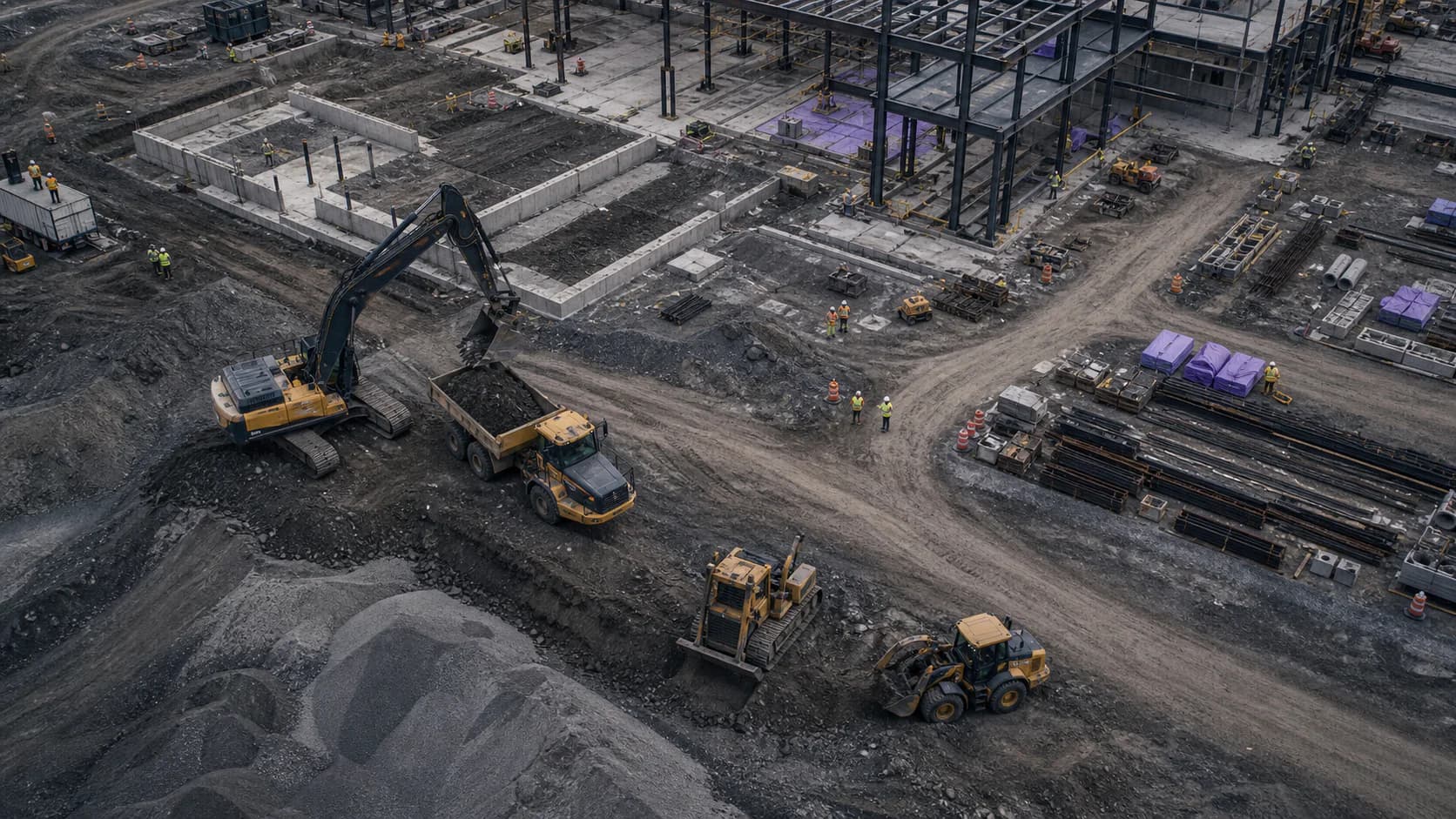
Software should do all the repetitive, manual work so teams can focus on creativity, scale, and relationships.
Construction businesses typically make calls from specific departments, then make appointments and schedule subcontractors/employees, order from vendors, refresh equipment, model and plan for job sites, collect and parse documents, make hundreds of random approvals, and reconcile financial records. That is a lot to put in one dashboard, but we did it anyways.
We map every decision being made within each department, we build an ontology over the business, and build controlled workflows to automate around them. The result is a system that explains what is happening, who owns the next action, and what evidence supports decision-making.
How we build operating systems01
Calls, forms, email, plans, field updates, vendor documents, receipts, and photos.
02
Clients, jobs, crews, materials, vendors, assets, tasks, costs, and documents.
03
Roles, permissions, approvals, audit logs, escalation rules, and required review.
04
Assignments, alerts, forecasts, reports, client updates, and management views.
Every module shares the same records, permissions, activity history, and reporting model.

01
Takeoff intake, bid records, scope review, historical pricing, and approval trails.
02
Jobs, schedules, work orders, change control, daily logs, punch lists, and closeout.
03
Crew assignments, time capture, field updates, blockers, photos, and supervisor review.
04
Requests, purchasing, deliveries, inventory, job usage, shortages, and cost attribution.
05
Location, assignment, condition, utilization, maintenance, downtime, and service history.
06
Scope, compliance documents, insurance, invoices, releases, and performance records.
07
Job costs, budget drift, purchase controls, billing blockers, margin exposure, and exports.
08
Search, classification, summaries, drafting, and risk flags with human review.
A focused pilot creates one working operational loop, real users, measurable acceptance criteria, and a clear decision about what to expand next.

Connect routing, missed-call recovery, voicemail, AI-assisted summaries, and follow-up tasks to one client and opportunity record—so every inquiry has an owner and a next action.
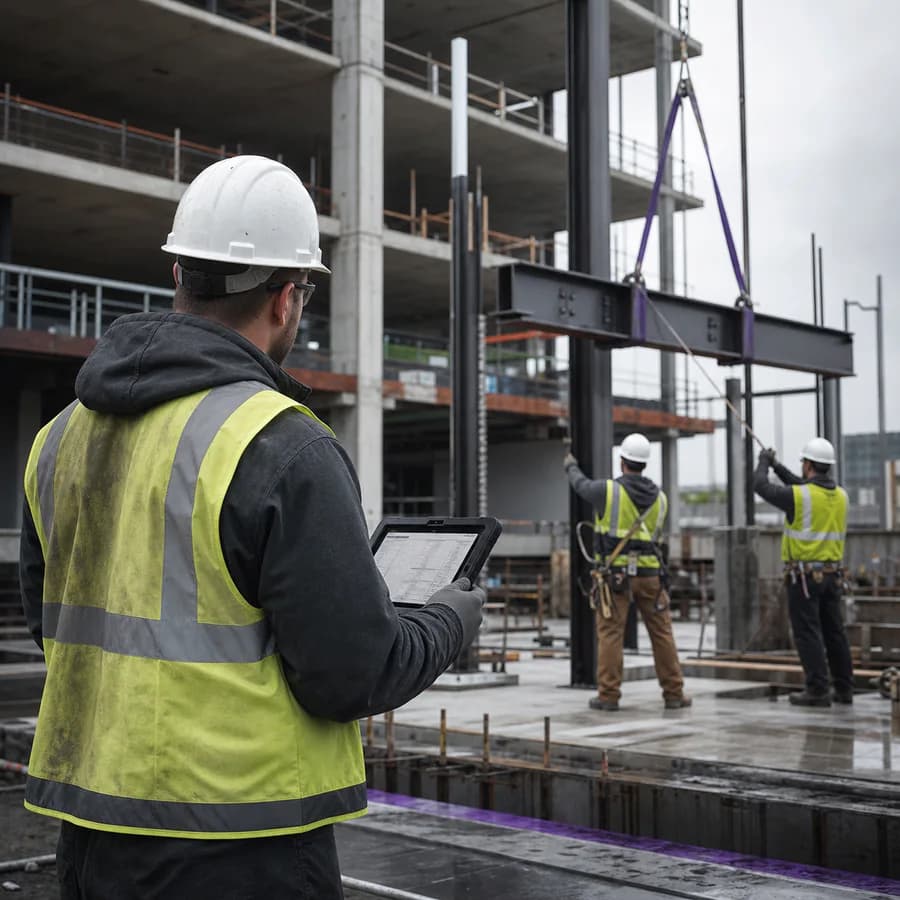
Dispatch work orders, coordinate crews, capture daily logs and photo evidence, surface blockers, and give the office a current completion record without chasing field updates.

Track materials from request and purchasing through receipt, storage, job issue, return, and reorder—then connect actual usage to job cost and margin exposure.

Bring drawings, BIM geometry, takeoff inputs, scope assumptions, revisions, historical costs, and approval history into a reviewable preconstruction record before work reaches the field.
Bring the workflow, the records, and the people who use them. We will define a focused pilot and its acceptance criteria.